Automate Screen Pixel Color Change Detection
Automate Detection of Pixel Color(s) on your Computer Screen running Windows 11 or Windows 10 and trigger an Automation Action when your desired Pixel Detection is Matched. Computer Screen display is composed of various Pixel Colors identified with Red, Green and Blue Colors. Number of Pixels which together create Display Graphics, Images, Videos , Windows , etc are identified of Screen Resolution. Automated Pixel Detection Software Utilities are presented here which can be of assistance when you want an Automated Way to Track Pixel Colors.
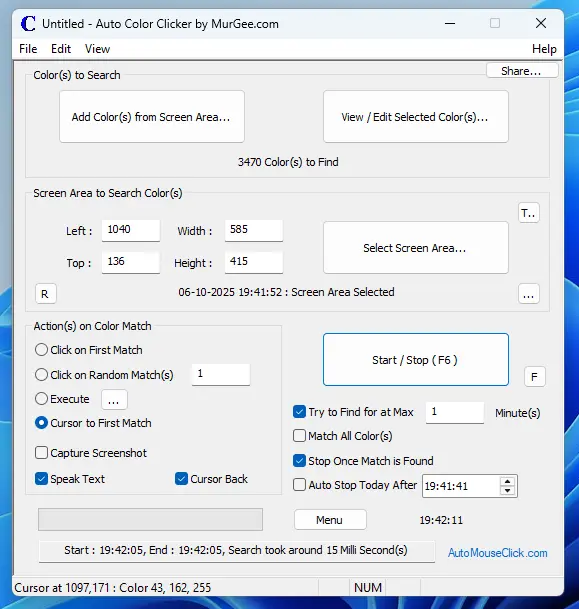
To Explore Pixel Colors on Screen or in an Image File, you can use Auto Color Clicker which allows you to Search for Specific Color(s) on Screen Area and also allows you to Automate Tasks when selected Color(s) are Found. This Color Finding / Matching Software Utility works on Windows 10 / Windows 11 Computers and require 64 bit Operating System.
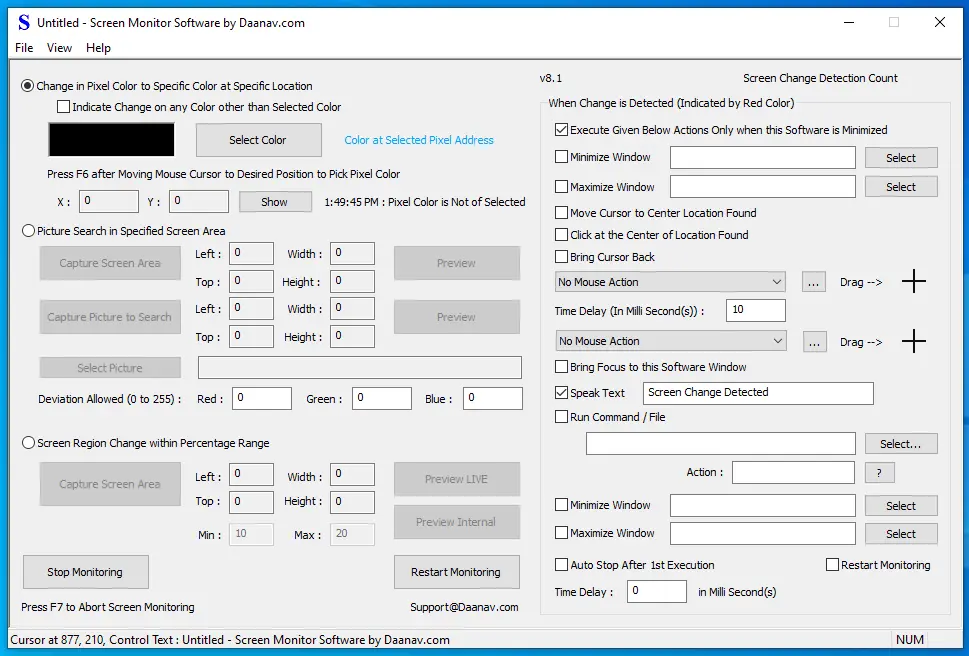
When you need an Advanced Screen Monitoring Software, you can try out Screen Monitor Software which allows you to detect Pixel Color Change on Screen, Detect Picture in Screen Area or even Screen Region Change in Percentage. When the Configured Detection is triggered, you can configure this Screen Monitoring Software to Automate Mouse Actions, Minimize / Maximize Window, run an Application and much more.
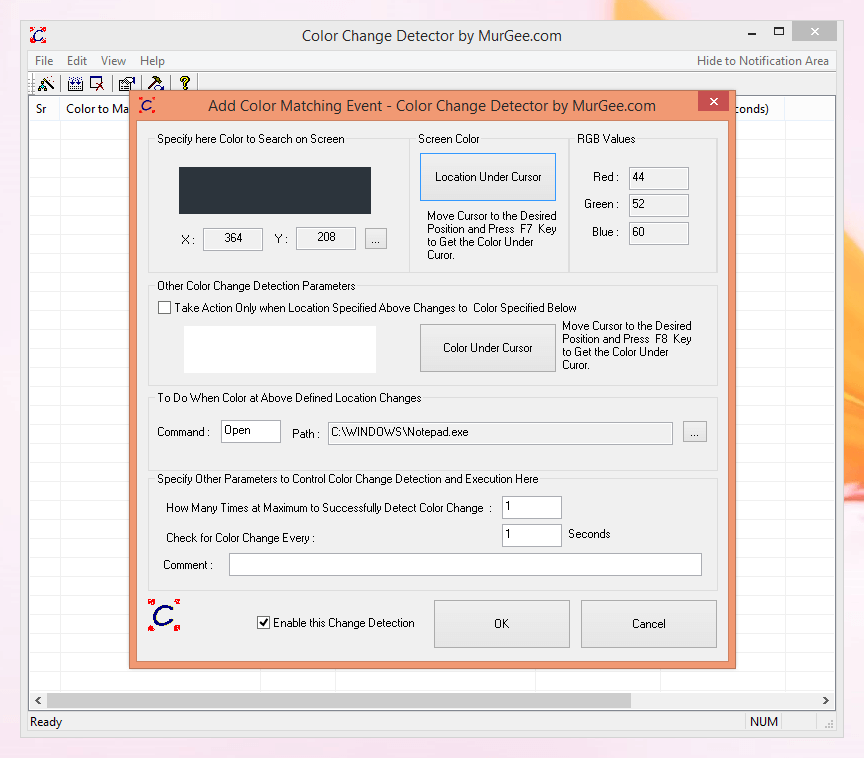
The Color Change Detector allows you to detect Pixel Color Change at Specific Screen Location(s). You can Add Single or Multiple Color Matching Actions in the Software and Detect Pixel Color Change in Minimum Possible Time Duration. You can get started by adding a new record to the Application, Moving Mouse Cursor to desired Screen Position and Pressing an Automatically Configured Keyboard Shortcut. Once you have configured the Screen Pixel Location to be Monitored, you can configure it to execute Command whenever it changes color or to a specific color.
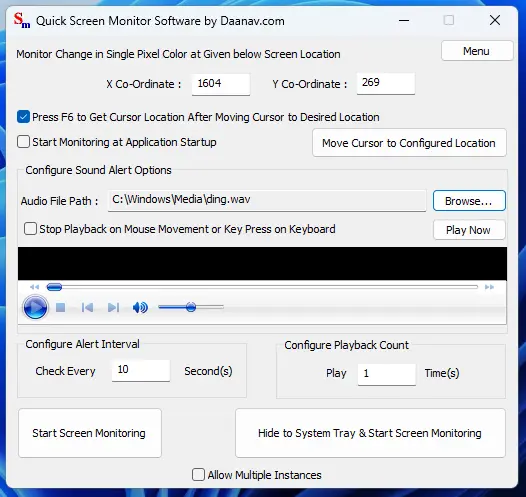
Really Fast Pixel Color Change Detection is available using Quick Screen Monitor Software. This Application Allows you to Monitor Pixel Color at Single Screen Location and whenever a Change is Detected, an Audio File can be played with the help of embedded Media Player. Monitoring Single Pixel Color is really fast and can be configured in Seconds. You can also enable User Input Detection upon which the Audio Playback is stopped automatically. Automatically Configured Global Keyboard Shortcut can be used to Pick Pixel Screen Location. You can also launch Multiple Instances and even Hide it to System Tray or Minimize it to Taskbar.
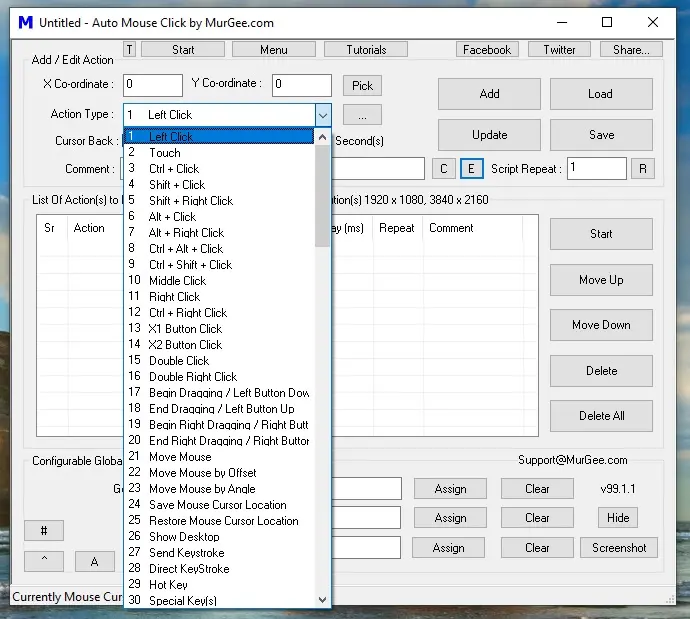
When you want to create an Advanced Automated Script that can search for Colors, Pictures or even Count Colors, you can try out Auto Mouse Click application. It can Automate Mouse Clicking, launching Applications, Wait for Screen Color or Text and do much more. Apart from Screen Pixel / Color Actions, there are many more Actions that can be of assistance when creating a Windows Automation Script to perform repeated tasks.